Toggle Nav



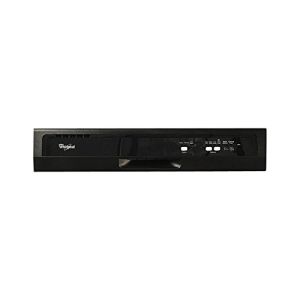
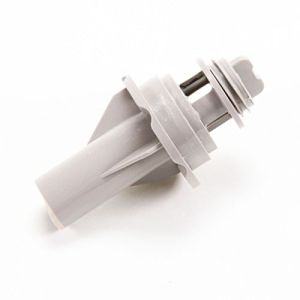
LG Dishwasher Control Panel Assembly AGL75172606 OEM Part
was
$274.99
Special Price
$216.99
AGL75172606 replaces: AP6233995.
MFG Number
AGL75172606
Availability:
Out of stock
Part AGL75172606 not eligible for returns. This is a special order from manufacturer. Final sale.
The control panel assembly for LG dishwashers is compatible with both LG and Sears-Kenmore models. It serves as the primary interface for selecting cycles and adjusting settings. If you observe issues such as non-responsive buttons or inconsistent operation, it may indicate a need for replacement.
Before installing a new control panel, safely disconnect the dishwasher from its power and water connections. Gently pull the appliance away from the wall to gain access to the sides and top. Next, remove the screws located on the upper sides to detach the primary trim. With the trim and front plate removed, proceed to unfasten the screws encircling the control panel. Carefully disconnect the wire harness attached to the control board and detach any connected drainage tubes. Release the clips that hold the control panel in place with the remaining assembly. When installing the replacement panel, simply reverse these steps.
This control panel is a genuine OEM part, directly obtained from LG, and is sold individually. It is specifically designed to be used with LG appliances.
Before installing a new control panel, safely disconnect the dishwasher from its power and water connections. Gently pull the appliance away from the wall to gain access to the sides and top. Next, remove the screws located on the upper sides to detach the primary trim. With the trim and front plate removed, proceed to unfasten the screws encircling the control panel. Carefully disconnect the wire harness attached to the control board and detach any connected drainage tubes. Release the clips that hold the control panel in place with the remaining assembly. When installing the replacement panel, simply reverse these steps.
This control panel is a genuine OEM part, directly obtained from LG, and is sold individually. It is specifically designed to be used with LG appliances.
Write Your Own Review
Loading compatible models...